
ピックアップ

-
PCとスマホの寿命を延ばす
スマホのバッテリー容量はなぜ低下する? 劣化を加速する3つのNG行為
-
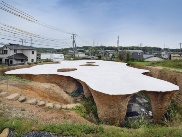
ニュース解説:建築・住宅
2024年日本建築学会賞に「House&Restaurant」、石上純也氏が2度目の作品賞
-
-
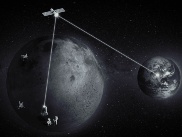
月面経済圏
「月面版GPS」を日米欧が標準化へ、JAXAは弱点克服の独自技術開発
-

円安で待ったなし!Azureコスト削減法
Azure仮想マシンの周りにある無駄リソース、一掃してコストを削減しよう
-
-
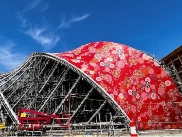
2025年大阪・関西万博
世界最大の「西陣織建築」になる驚きの万博パビリオン、外壁全面を覆う膜工事に着手
-

先端技術キーワード
先端半導体で国内自動車業界に主導権、「ASRA」が狙う
-
-

生成AIで自分生産性向上
HTMLやCSSを熟知していなくてもできる、AIにWebページをつくってもらおう
-
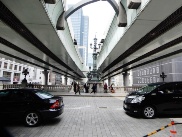
まち再発見!とことこ散歩
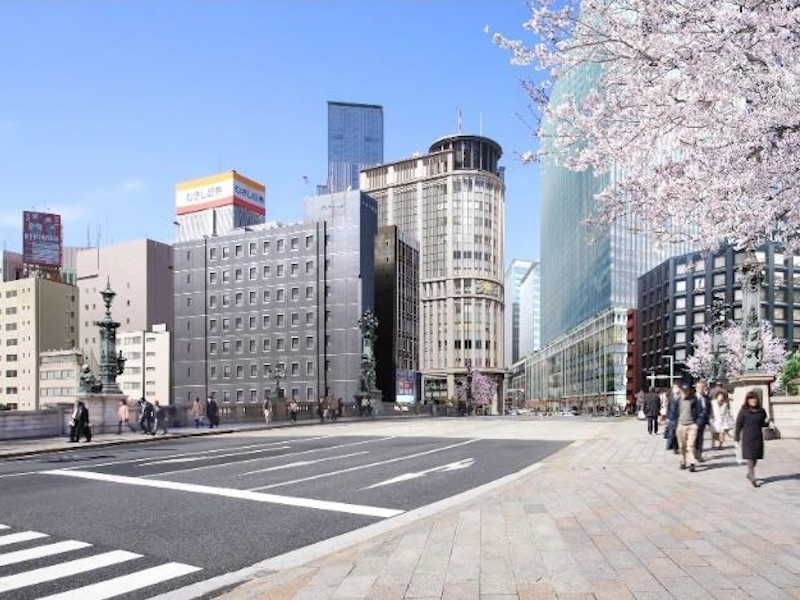
江戸の舟運ルートが育んだ日本橋、首都高の撤去や280m超のビル建設など再開発が進む
-
ニュース
-

グリコが冷蔵品の出荷を再度停止、S/4HANA稼働トラブルで5月中旬まで
江崎グリコは2024年4月19日、乳製品・洋生菓子・果汁・清涼飲料など「チルド食品(冷蔵品)」の出荷業務を再度停止したと発表した。
-
認証不正のダイハツ3車種、国交省が出荷停止解除の第7弾
車両の安全性などに関する認証試験不正で出荷停止になっていたダイハツ工業が生産する車両のうち、軽自動車など3車種の出荷停止が解除された。2024年4月19日に国土交通省が発表し…
-
ソニー、テレビの緩衝材をカネカの生分解性ポリマーに変更
ソニーは、大型テレビ受像機の梱包に使用している発泡スチロール製の緩衝材を廃止する。発泡スチロールに代えて、カネカが製造する「カネカ生分解性バイオポリマー Green Plan…


トピックス
-
日経クロステック編集部おススメ
ニデックの新経営体制、世界をどう攻めるか
-
情報技術マンスリー・アーカイブス
IT大手2024年春闘/待ったなし!物流2024年問題/みずほ、なるか4度目の正直
-
先端技術マンスリー・アーカイブス
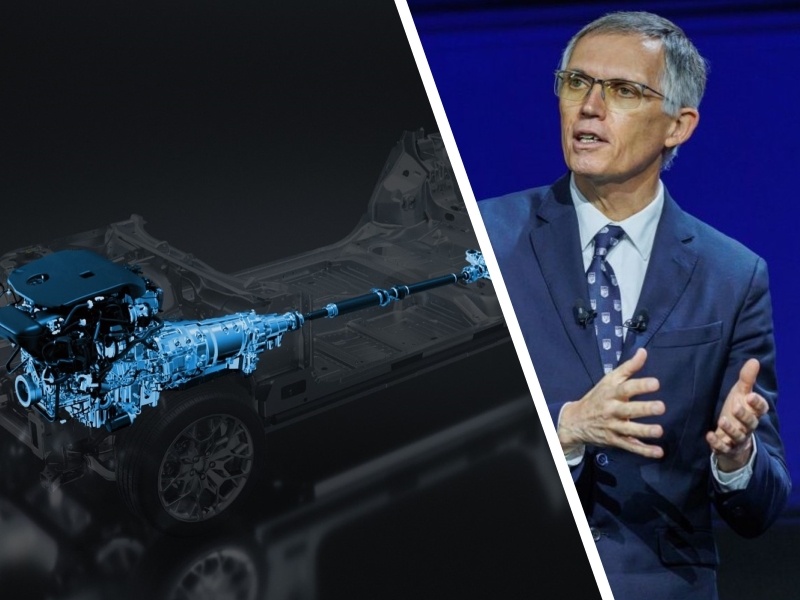
「EV優先」設計でエンジンに逃げ道/難関だらけのEUV露光装置/寒暖差270℃を耐えたSLIM、月面活動に活路
-
建設業界マンスリー・アーカイブス
日本橋の首都高地下化、大成建設が受注/紀の川ICの変状原因は盛り土の透水性低下/監理技術者の専任緩和へ
-
知ったかぶりをする前に読んでおきたい「IT基本用語辞典」
-
仕事に役立つ! IT・電機・製造・建築・土木の用語集&Excel・Linux・ネットワークのコマンド集
-
ぜひお申し込みください「日経クロステック登録会員(無料)」の特典を紹介
-
有料会員は全記事読み放題!見たい記事が必ず探せる「日経クロステック活用ガイド」
特設サイト







日経クロステック/技術メディアの本
-
図解 木造住宅トラブルワースト20+3 「雨漏り事故」「構造事故」の事例から学ぶ原因と対策
木造住宅のトラブルを「雨漏りワースト20」と「構造ワースト3」として類型化。原因と対策と損害額が...
-
東京大改造2030 都心の景色を変える100の巨大プロジェクト
建築や土木の専門記者が取材した、一歩踏み込んだ東京の再開発プロジェクトを豊富な写真や図面で紹介し...
-
一級建築士矩子と考える危ないデザイン
住宅や建築物で起こる身近な事故と背景、効果的な防止策を人気建築漫画「一級建築士矩子の設計思考」の...
-
ソフトバンク もう一つの顔 成長をけん引する課題解決のプロ集団
ソフトバンクにはモバイルキャリア事業以外のもう一つの顔が存在する。本書ではキーパーソンへのインタ...
-
検証 能登半島地震 首都直下・南海トラフ 巨大地震が今起こったら
地震発生直後に現地で撮影した被害写真を多数掲載。専門家や施設関係者への取材から見えてきた建築・土...
-
次世代自動車2024
【4月30日まで早割実施中!】日経Automotiveが、激動する自動車業界の1年を振り返り、今...


注目のイベント
-
【4月25日】ハイパーバイザーの基本を学ぶ、参加者にはもれなくプレゼント進呈
2024年4月25日(木)
-
プラチナフォーラム 2024 Spring
2024年 4月 26日(金) 13:00~17:00(予定)
-
日経クロステックNEXT 関西 2024
2024年5月16日(木)~5月17日(金)
-
日経ビジネスCEOカウンシル
2024年5月16日(木)17:00~19:50
-
VUCA時代に勝ち残る戦略的サプライチェーン構築に向けて
2024年 5月 24 日(金) 10:00~16:20
-
人手不足を乗り越える 日本の産業界成長のシナリオ2024
2024年5月30日(木)10:20~17:45
-
キャリア・オーナーシップが社会を変える
2024年6月3日(月)~6月5日(水)
-
DX Insight 2024 Summer
2024年6月4日(火)、5日(水)
-
デジタル立国ジャパン2024
2024年6月10日(月)、11日(火)
-
DIGITAL Foresight 2024 Summer
2024年6月13日(木)~8月8日(木)16:00~17:00 ※毎週火・木曜開催予定


 注目記事
注目記事


特設サイトアーカイブ





日経クロステック Special
What's New!
IT
- 【生成AI事例】デジタルで現場をDX化
- 「クラウド時代のあるべき運用」を熱く議論
- 業務や役割に応じた「社員に最適なPC」
- 生成AI活用へ「待ったなし」成功の秘訣
- 目指すは相互に行き来できるマルチクラウド
- 「稼ぐ力」を劇的に高めるROIC経営
- 大企業にもキントーンの導入が進む理由
- XDRは「攻めの投資」!運用の三原則とは
- 「サーバ―」部門満足度トップ企業に訊く
- 製造業DX「データドリブン経営成功のシナリオとは」
- 最新の「ポスト認証攻撃」をいかに防ぐか?
- ジェイテクトエレクトロニクスのDX事例
- NTTドコモ支援の実践型教育プログラム
- ビジネスPC、ITデバイス購買DXを推進
- 欧州トップ企業語る日本のセキュリティー
- 大教大とマウスパソコン教室の在り方を研究
- 生成AIの活用の鍵は「内製とアジャイル」
- DXを成功に導くITインフラとは?
- AIと自動化でエンジニアの能力を解き放て
- 最先端のAI技術を支えるNTTPC
- 日本初!東京港を横断する通信網が誕生へ
- NTTデータに優秀なデジタル人財が集まる理由
- 神田れいみと学ぶ「ネットワーク活用白書」
- ゼロトラスト成功の秘訣を神田れいみと探る
- 専門家が斬る日本の意識と対策の現状は?
- 3つのペルソナで、働き方に合わせたPC選び
- オリックス銀行×富士通時田社長 特別鼎談
- ERPプロジェクト≫IT人財の必須条件は
- マネージドサービスが安価に利用できる理由
- 脱レガシー案件≫SIerに必要な人財像は
- DXや生成AI活用に挑む大阪府
- イノベーションの起爆剤
- 3段階で考える、DXで企業力を高める方法
- 大規模プロジェクトでPMが注意すべき点は
- ビジネス戦略と連動したデータマネジメント
- 守りながら攻める“製造DX”の方法論とは
- ランサムウエアから診療データはこう守る
- 最新サーバーに学ぶ熱設計の最前線
- PC管理の課題を課題をまるごと解決
- 日本語に強い「和製生成AIモデル」が誕生
- 動画解説>生成AIからDX変革まで
- 大阪・名古屋エリアのDXが注目される理由
- 最適なネットワークを早く安く簡単に実現!
- セキュリティ×スキルUP≫JSOLの提案
- 力点は「未来予測」へ:データ利活用の勘所
- 生成AI活用でSAP BTPの価値が進化
- ServiceNowでDXを加速≫方法は
- SAPプロジェクトの全体像をいかに描くか
- 先端教育の現場で活躍する大学副学長が使い続けるレッツノート
- データドリブン基盤でCFP算出作業を短縮